> For the complete documentation index, see [llms.txt](https://docs.terrace.fi/llms.txt). Markdown versions of documentation pages are available by appending `.md` to page URLs; this page is available as [Markdown](https://docs.terrace.fi/how-to-guides/how-to-deposit-crypto-on-terrace.md).
# How to Deposit Crypto on Terrace
In order to deposit funds on Terrace, you must first locate your deposit address on the Terrace website.
1. Log into your Terrace account.
2. Click deposit in the upper right hand corner and select the asset you would like to deposit.
3. Once you have selected an asset, you will then be prompted to select a blockchain (also known as a network) such as Solana or Base. Make sure you are selecting the same network as the asset you are depositing.
4. Copy the deposit address using the QR code or the copy button next to your address.
After copying your wallet address, you can deposit funds from a platform or 3rd party wallet service (we will be using phantom wallet for the purpose of this demonstration).
5. Log into your 3rd party wallet service and select the send button.
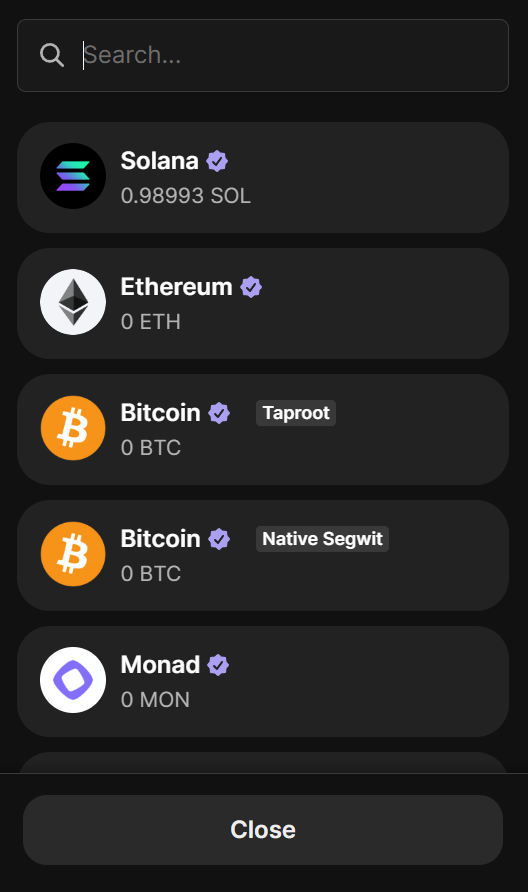
6. Select the asset that you would like to deposit.
7. Paste the deposit address copied from the Terrace website into the first line. Select an amount to deposit on the second line.
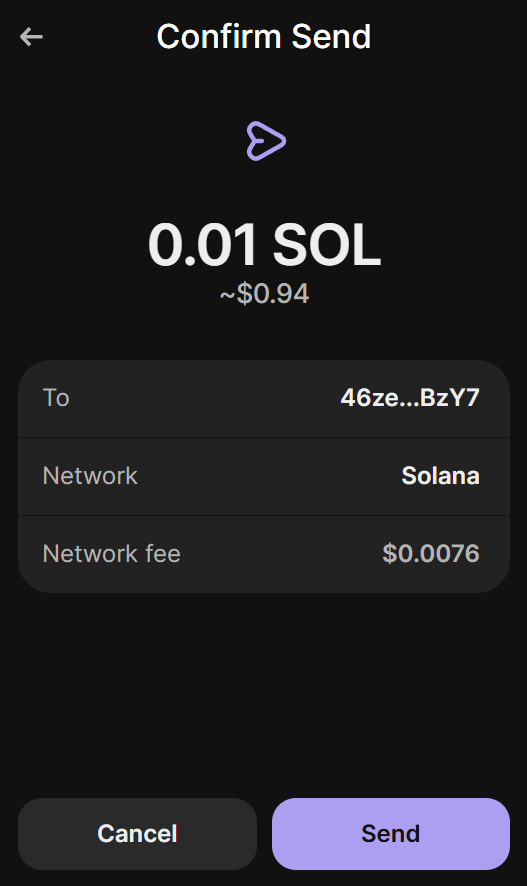
8. Confirm the details of your transaction. The network shown should be the same network you selected when accessing you deposit address on Terrace.
9. Once the funds are deposited on Terrace, you will recieve a conformation email with the details of your trade.